Saving progress
Play this step Its whole project
The player shouldn't have to start again each time. In this step, the game remembers the furthest level reached, and the levels past it can't be chosen yet:
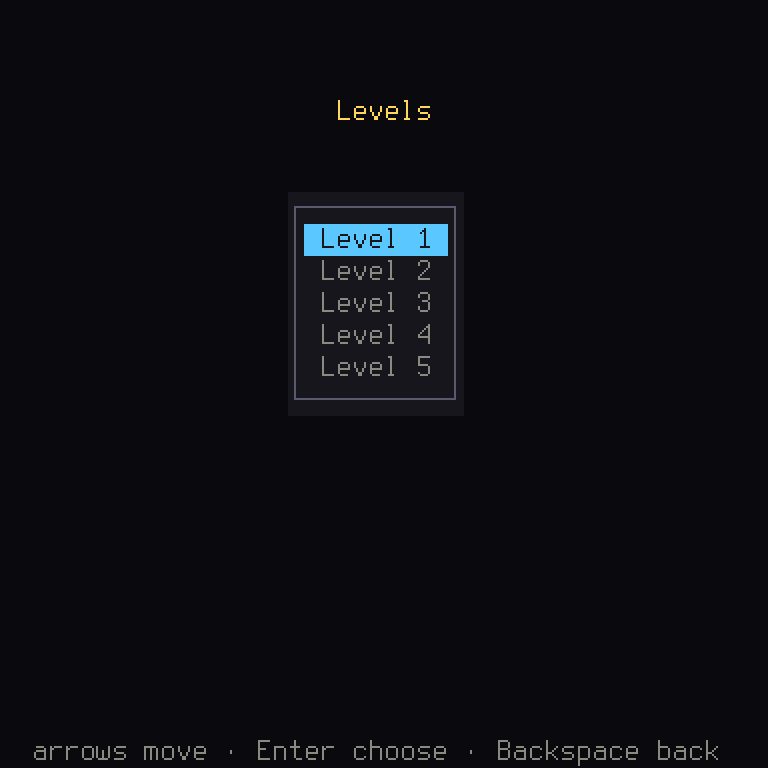
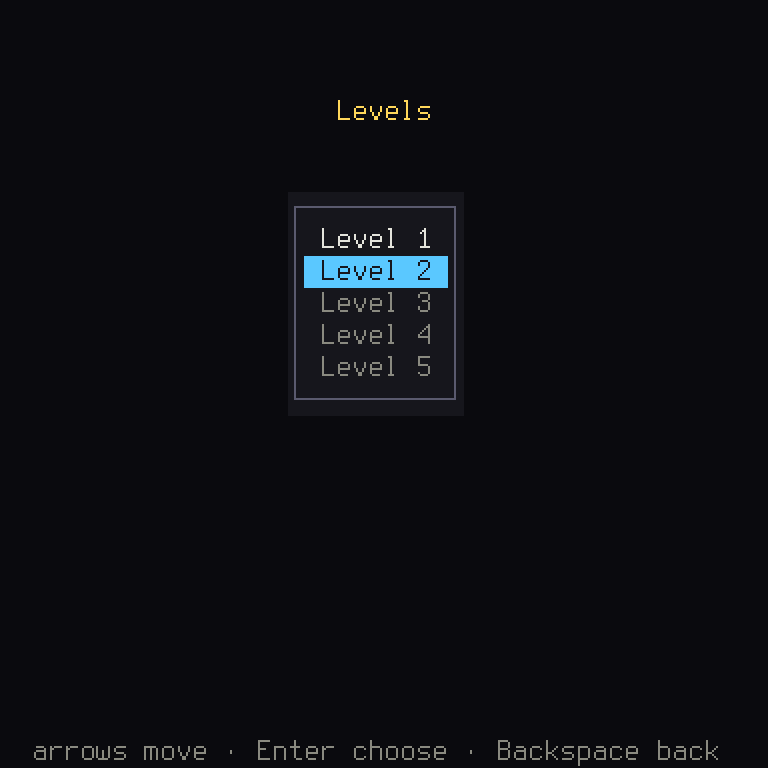
Levels not reached are dim. Win the first, and the next lights up:
| File | What changes |
|---|---|
crates/game/src/progress.rs | New: what is kept, and how |
crates/game/src/levels.rs | The menu reads it and writes it |
crates/game/src/stages.rs | LevelMenu::new now needs ctx |
crates/game/src/lib.rs | pub mod progress; |
Cargo.toml, crates/game/Cargo.toml | Adds ron |
crates/game/tests/board.rs | Tests of saving |
Add ron as you added serde. In the top Cargo.toml, under [workspace.dependencies], add the line
ron = "0.12", and in crates/game/Cargo.toml, under [dependencies], add ron.workspace = true.
Where saves go
Shuyi: a game never opens a file itself. It goes through storage, which the platform hands it: a file on a computer, the browser's storage on the web, and only memory in a test. So the same code saves on every machine the game runs on, and a test needs no disk. It's the same idea as actions, and as
ctxitself: the game asks for a thing, and doesn't care how it's done.
Storage keeps small named texts, and that's all. ctx.storage has read and write, and a key names
each text, just as a key names each line of your words.
What is kept
Game idea: always write the version of your save's format into the save. Some day you'll change what a save holds, and a player will still have an old one. A later build has to be able to tell what it's reading, or it will read it wrong.
Make crates/game/src/progress.rs:
use ;
use ;
use ;
/// What is kept: the version of the format, and the furthest level.
/// Where it is kept, in the player's profile.
// check-text: not player text, a storage key
pub const KEY: &str = "progress";
/// The furthest level reached: the first, if nothing readable is kept.
/// Keeps `level` as the furthest reached, if it is further.
Take this piece by piece.
Progress is what's kept. It derives Serialize and Deserialize, so serde can write it as text and read
it back. SaveFormat gives it a name and a version number, which you raise whenever the type changes.
furthest reads it. Its job is to never fail: if anything's wrong, the answer is level 0.
Rust:
storage: &dyn Storagemeans "a borrow of anything that implements theStoragetrait". This function doesn't care whether that's a file or the browser. It's the samedynasBox<dyn Screen>.
let Ok(Some(text)) = storage.read(KEY) else { return 0; };is let-else: "this must match, or else do this".readreturns aResultholding anOption: it could have failed, and if not, there might still be nothing saved. This handles both, in one line, and from here ontextis the saved text.
header.is_current()is checked in a match guard, like you saw in the last step, and_ => 0catches everything else: a version it doesn't know, or text it can't read.map_or(0, ...)says "use 0 if this failed, and otherwise get this from it".
Shuyi: a
SaveHeaderreads only the version of a save, even one whose other fields can't be read any more. So a game can tell "this is from another version" apart from "this is damaged".
reached writes it, only if it's further than what's there. It returns a Result, as writing can fail,
for instance on a full disk. map_err turns one kind of error into another, so ron's error can be
returned as a StorageError.
Using it
The menu now has more to remember: how many levels are open. In levels.rs, add a field to the struct,
pub open: usize,, and start it from what's saved. new needs the context for that:
/// The menu, on the furthest level the player has reached.
That's why stages.rs changes LevelMenu::new() to LevelMenu::new(ctx), in both first and screens.
Note how the menu is careful with what it reads: .min(last) means an old save can't point past the last
level, if a later version has fewer.
Levels past it can't be chosen. It's one more call in the chain:
/// The menu's items: a text key and a value each.
The engine's Menu does the rest: it draws them dim, and skips them when moving the focus. Prove it to
yourself by opening every level:
In crates/game/src/levels.rs:
- .with_enabled(n < self.open)
+ .with_enabled(true)
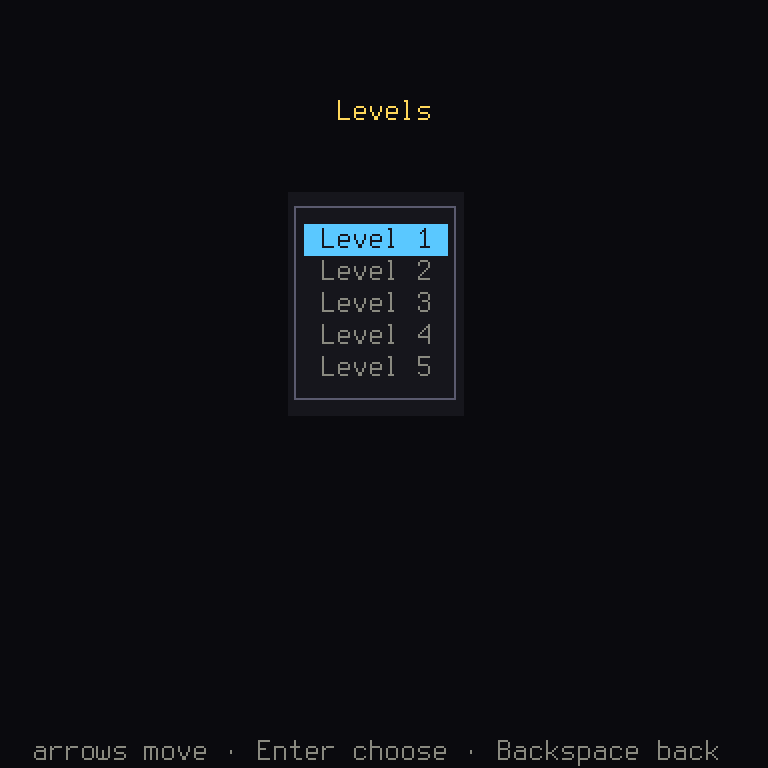
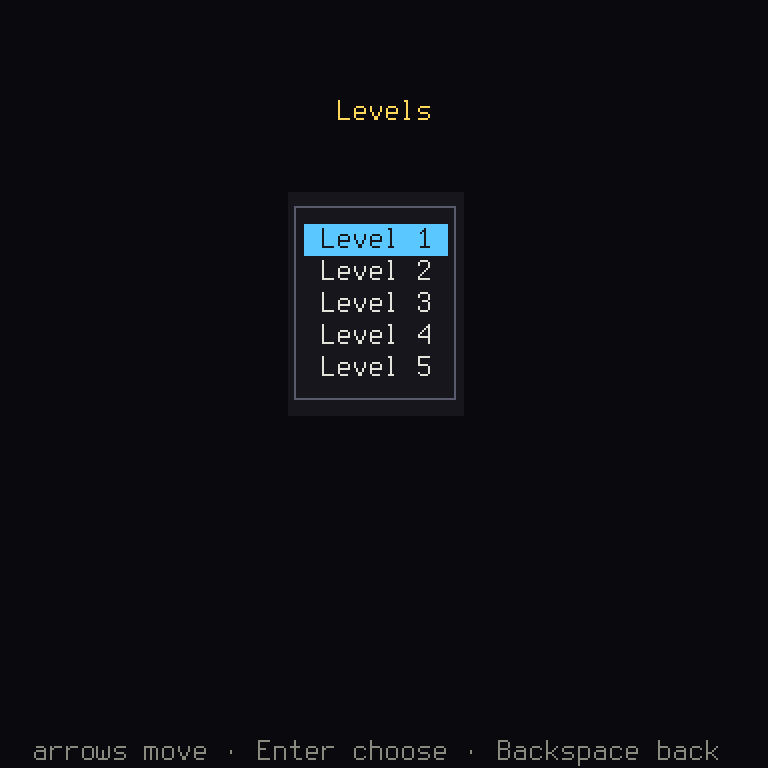
Then, when a level is won, keep the next one. In uncovered, after self.focus is set:
self.open = self.open.max;
// A storage that fails loses only the player's progress.
let _ = reached;
let _ = is a decision here, not laziness, as the comment says: if saving fails, the player loses
only their progress, and that's no reason to stop their game. &mut ctx.storage is the changing kind of
borrow, as writing changes it.
The test
The Harness has a storage of its own, in memory, which starts empty for every test:
It makes a brand new menu to stand in for the next time the game starts, without any disk at all. And since bad saves are the sort of thing players really do have, it's worth testing that those count as nothing:
This needs use shuyi::ui::storage::Storage; at the top, as you have to name a trait to call its functions.
Now play this step in your browser from the button at the top of this page. Win a level, reload the page, and the menu remembers. That save is in the browser's storage, and your code didn't need to know.
What you learned
- Rust:
let ... else,&dyn,map_errandmap_or, and that a trait must be named to use it. - Game idea: versions in saves, and treating a bad save as no save.
- Shuyi:
Storage,SaveFormatandSaveHeader.
Chapter 7 has more on saves. The game is now whole. Next: the things that make it pleasant.