Polish
Play this step Its whole project
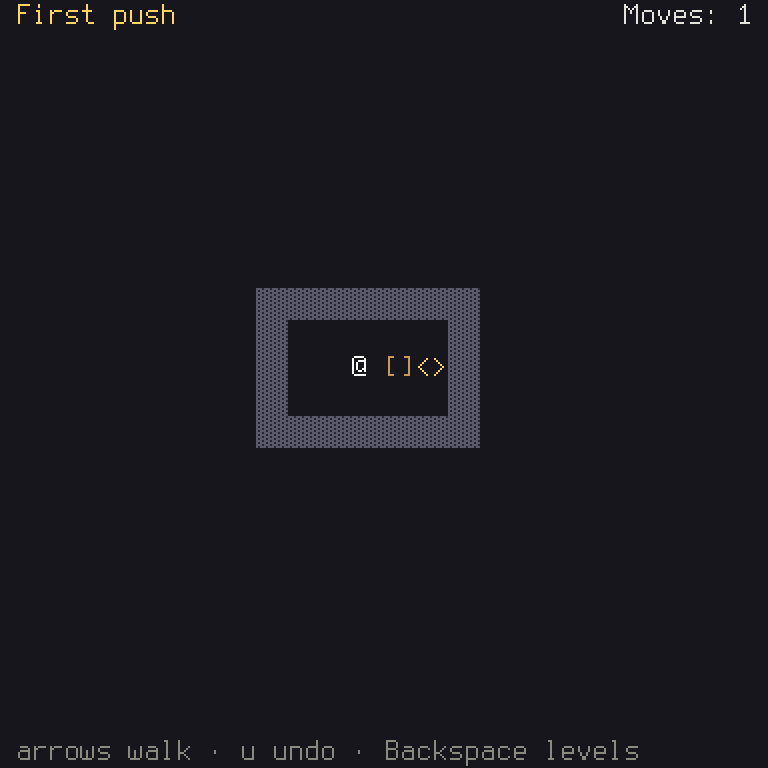
The game is whole. This step adds what makes it pleasant: a moves counter, and a way for players to change their keys. Both are short, because the work's already been done, by you or by the engine.
| File | What changes |
|---|---|
crates/game/src/board.rs | Shows the moves |
crates/game/src/options.rs | New: which options to offer |
crates/game/src/levels.rs | An Options item on the menu |
crates/game/src/stages.rs | Names the two new screens |
crates/game/src/lib.rs | pub mod options; |
crates/game/files/en.ron | Words for all of it |
crates/game/tests/board.rs | Tests of both |
A moves counter
How many moves has the player made? You don't need a new variable, because you already keep that: it's how many commands are in the history. And undo already takes one away, and a walk into a wall already doesn't count, as it's never recorded.
Game idea: a second copy of a fact is a chance for the two to disagree. If you can work a thing out from what you already hold, do that.
Add a moves field to BoardView, as pub moves: String,, and fill it in view:
moves: ctx.text_with,
Rust:
("n", &self.history.len())is a tuple, two values side by side, and&[...]is a borrowed list of those. This fills in{n}in the text.
Then draw it at the top right, in draw, by working out where it must start from how long it is:
let width = i32try_from.unwrap_or;
let right = i32from - width - 1;
buf.print;
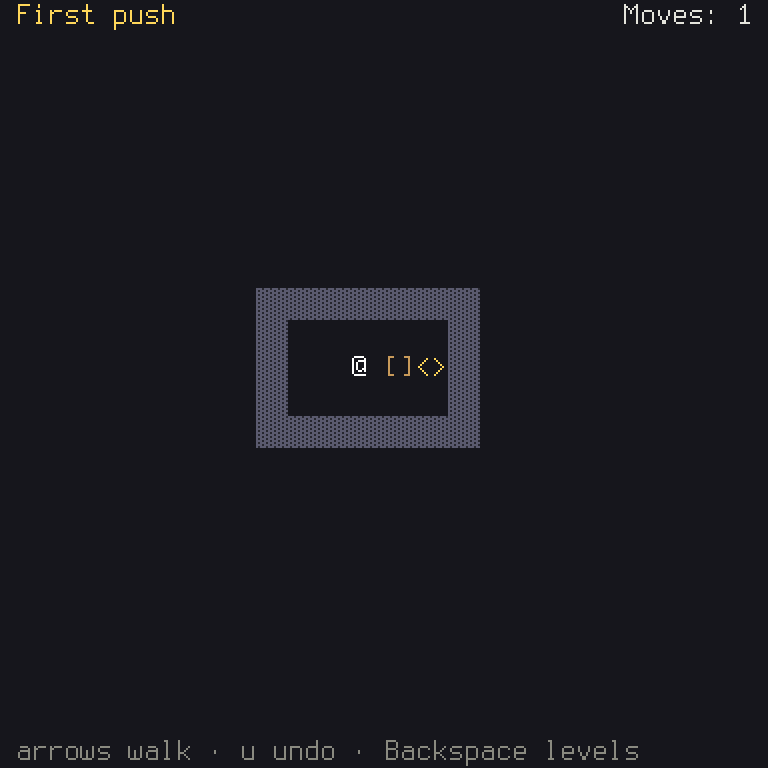
Its words go in files/en.ron, as "board.moves": "Moves: {n}",.
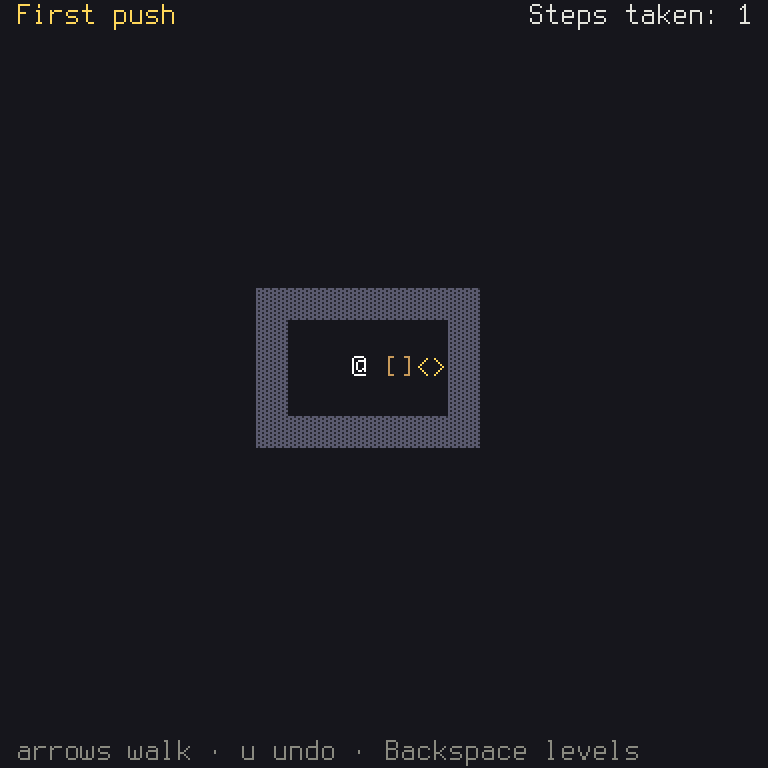
And here's a nice thing about measuring. Use longer words, and it stays against the edge:
In crates/game/files/en.ron:
- "board.moves": "Moves: {n}",
+ "board.moves": "Steps taken: {n}",
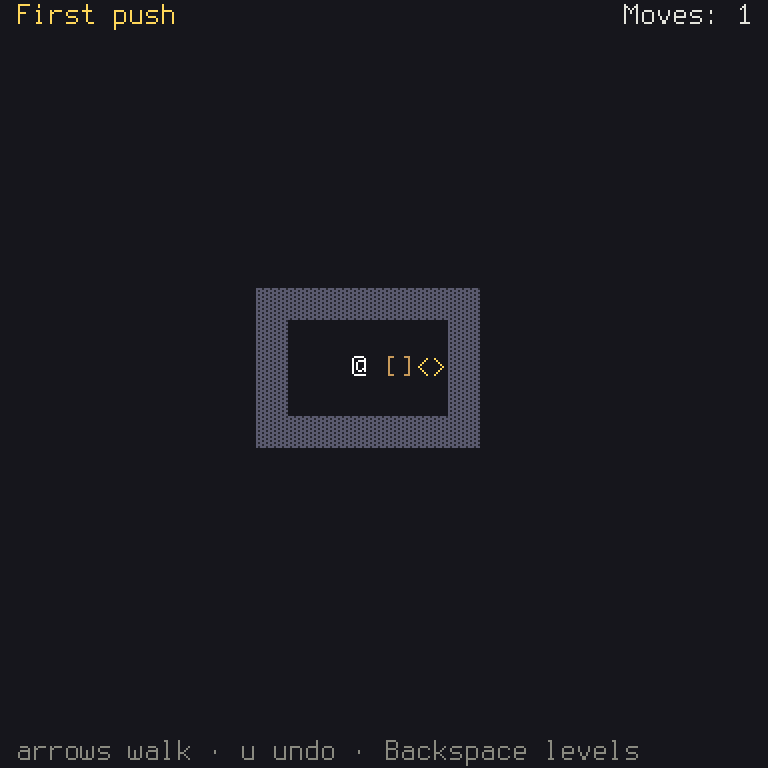
Or centre it, by changing the sum:
In crates/game/src/board.rs:
- let right = i32::from(buf.width()) - width - 1;
+ let right = (i32::from(buf.width()) - width) / 2;
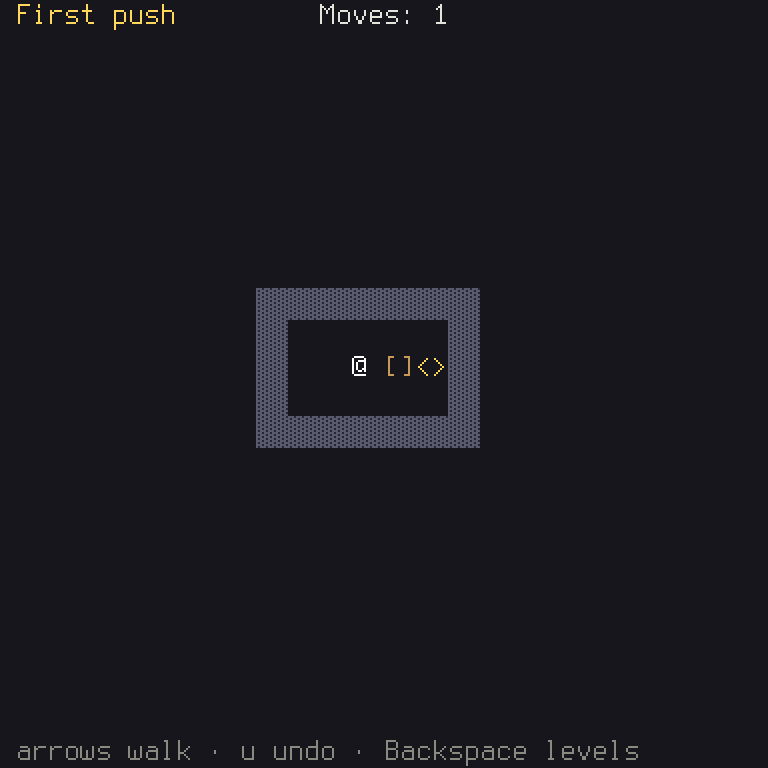
The test presses keys, and reads the screen's text. It also shows what the counter doesn't count:
Options and rebinding
Letting players change their keys is a lot of work to get right: reading the new key, refusing keys already taken, saving them, restoring the defaults. It's also just the same in every game, which makes it perfect for an engine. You only say what you want.
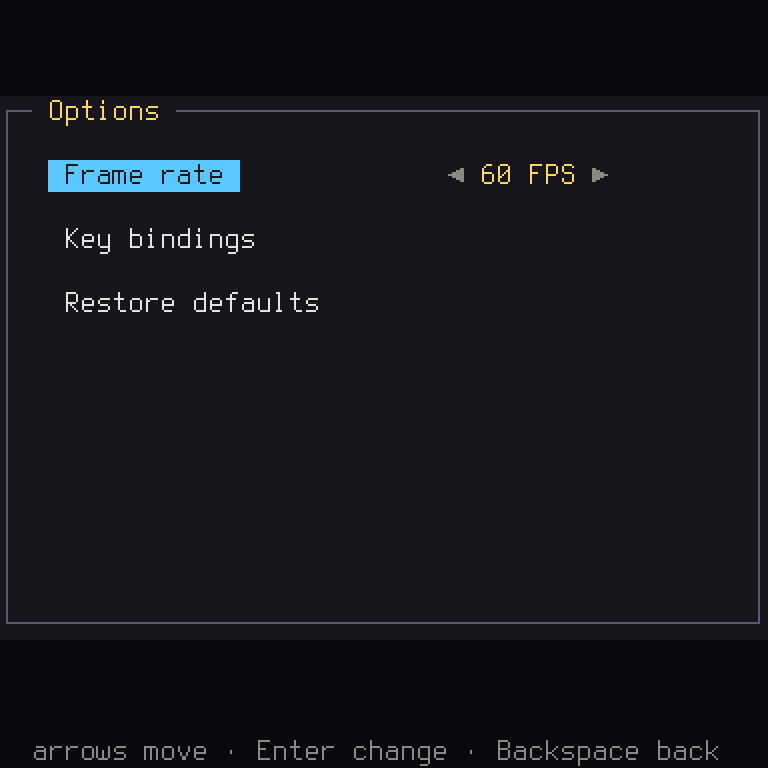
Make crates/game/src/options.rs, which lists the rows you want, and every action a player can rebind:
use *;
use ;
use ;
use crateData;
use crateAction;
/// The Key bindings screen's rows: every action must keep a key.
pub const KEY_ROWS: = ;
/// The options' rows: the frame rate, the keys, and Restore defaults.
KEY_ROWS lists each action once, with the text key of its name. RowGroup::Required says it must keep a key.
option_rows builds the rows of the options screen. There's a frame rate, then a row that opens the Key
bindings screen, then Restore defaults. The engine makes the common ones for you (OptionRow::frame_cap()).
The engine has more that you could add, like text speed and volume, when your game has those things.
Rust: the two
|ctx| ...and|_| ...are closures again, this time saying what the row shows and what it does when chosen. And.starting_group()adds a gap above that row.
The menu gets an item for it. In levels.rs, Choice gains Options, and the items go on as one list:
/// The menu's items: a text key and a value each.
items.chain([options]) joins two sequences, so the Options item comes after the levels. And in update,
add an arm for it:
Some =>
Rust:
OptionsScreen::new(option_rows)passes the function itself, by name, without calling it: note there are no()afteroption_rows. The screen calls it when it needs its rows.
Notice you didn't have to change Choice's users in a hundred places. The compiler told you which match wanted a
new arm, and there was only this one.
Next, screens in stages.rs names both new screens, so cargo shuyi check --target can check that their controls
fit each machine:
/// Every screen the game can show past the title, for the check that its
/// controls fit each target.
Their text goes in files/en.ron. The engine's screens ask for a lot of words, one key each, so a game can be
translated in full. You'll want all of them, and there's no need to type them: take them from
this step's en.ron,
as they are. If you miss one, a debug build stops and names the key it couldn't find.
The Up in that test wraps round from the top of the menu to its last item, Options.
Run it, and open Options, then Key bindings:
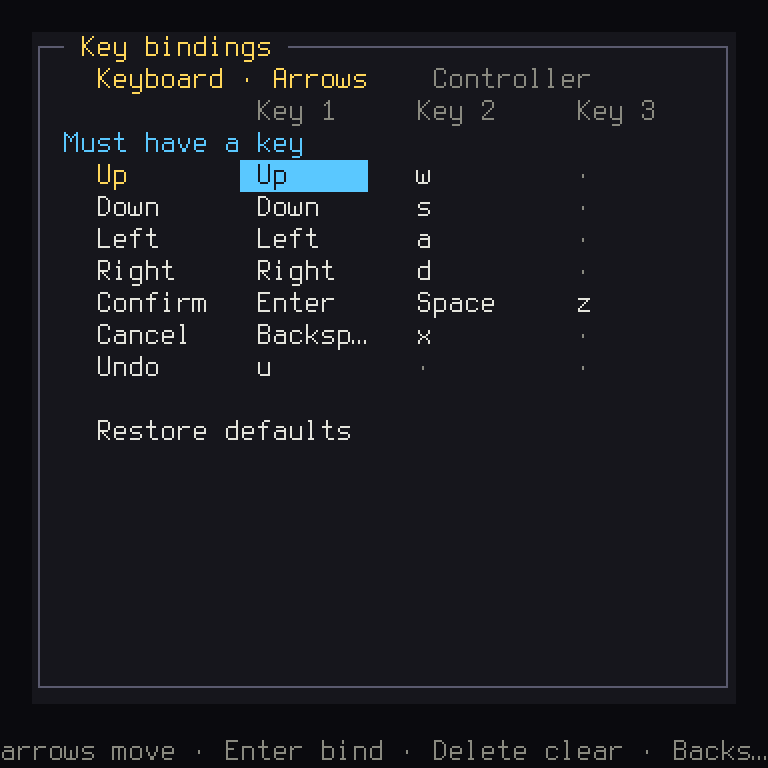
Now change your Undo key. Then go back to a level, and read the help line. It names your new key, and you didn't
do anything to make that happen. Every line of text has said {Undo} all along, since step 5. This is why text
never names a key.
What you learned
- Rust: tuples, passing a function by name, and
.chain. - Game idea: don't keep two copies of one fact.
- Shuyi: the engine's options and key-binding screens, and how much a game gets free by using actions.
Next: the game can test itself.