Walking
Play this step Its whole project
By the end of this step, the arrow keys walk the player around the room, and walls stop them.
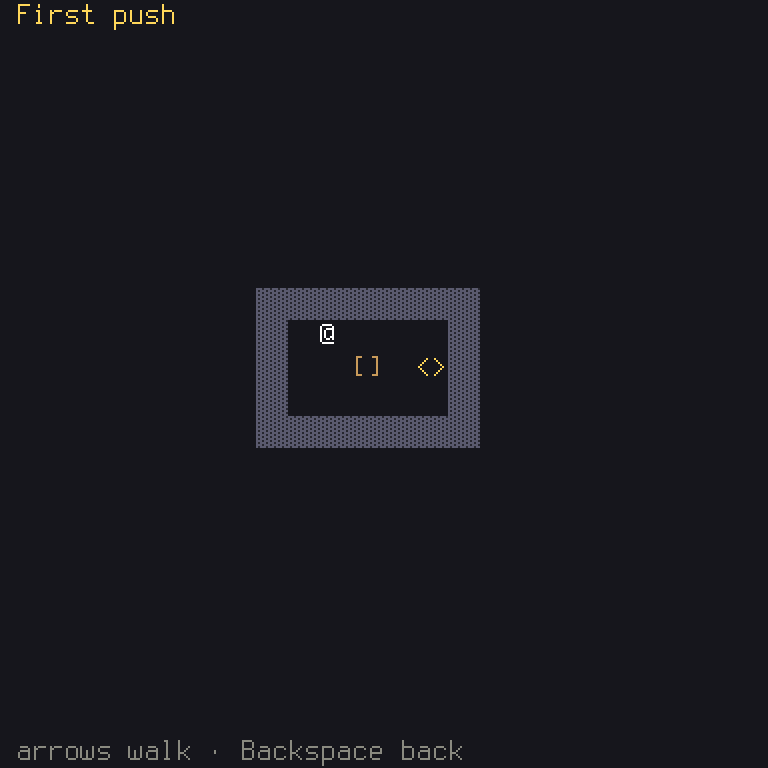
It sounds like a small thing, but this is the step where you learn how a Shuyi game's rules are built, and everything later rests on it.
| File | What changes |
|---|---|
crates/game/src/rules.rs | What the player can ask for, and the rules that answer |
crates/game/src/board.rs | Turns actions into commands |
crates/game/files/en.ron | The help line mentions walking |
crates/game/tests/board.rs | A test of walking |
The big idea: commands
The obvious way to write a walk is for the screen to do it: when Up is pressed, subtract
one from the player's y. Many games start that way, and it works, until you want undo, or a
replay, or a bot, or a test that doesn't need a screen, or online play. Each of those then has
to change the game from outside, or copy what the screen does.
So Shuyi games are built another way.
Game idea, and a rule of Shuyi: the state changes in only one way: by a command. A command is plain data saying what the player is asking for: "take one step right". The rules take a command and either change the state, or refuse and change nothing. The same state and the same command always give the same result, on every computer.
A screen hears actions, sends commands, and shows the state. It never changes the state itself.
The whole chain looks like this, and it's worth learning by heart. A key press becomes an action (the keymap), an action becomes a command (the screen), and a command changes the state (the rules), which the screen then draws.
A command
In crates/game/src/rules.rs, say what the player can ask for, what can happen, and why a
command can be refused. Add this just after Puzzle:
/// What the player asks for.
/// What happened.
/// Why a command was refused.
Rust:
Command::Step(Dir)is an enum possibility carrying data: a step, and which way.Diris the engine's enum of Up, Down, Left and Right. Having anEventand aRefusalof your own means the rules say exactly what happened, and exactly why not, and each of these can be checked by a test.
impl fmt::Display for Refusalis the standard trait for "how this looks as text", needed because the engine may print a refusal in a message.
The rules
Now the rules themselves. TurnRules is the engine's trait for a game that moves in turns.
Add this at the end of the file:
It's short, and there's a lot to see in it.
The type lines fill in the blanks of the trait: this game's command, event and error are the
ones you just wrote. Outcome is how a game ends. For now, nothing ends it, so it's ().
check answers "would this command be allowed?", without changing anything. It finds where
the step leads, and refuses if there's a wall or a box there. self.player.step(dir) is the engine's
way of saying "one tile that way from here". Ok(()) means "allowed, and there's nothing else to
say".
apply does it. It calls check first, and that ? is doing a job here: if check refuses,
apply returns the refusal at once, before anything has changed. This is what's meant by all or
nothing: a refused command changes nothing, not even part of the state. Rust helps you here, as
&mut self says this one may change the puzzle, and check's &self says that one may not.
legal_commands lists everything allowed right now. Bots will use it. It tries all four
directions, and keeps those that check accepts.
Rust:
Dir::ALL.into_iter().map(Command::Step).filter(...).collect()is an iterator chain: take each direction, turn each into aCommand::Step, keep those that pass, and gather the result into a list. You could write that as aforloop too, and it would be just as good. You'll see both.
let Command::Step(dir) = *command;opens up the command to get its direction. The*means "the value this reference points to", ascommandis a&Command. This form ofletonly works sinceStepis the only possibility so far: when an enum has more, you need amatch.
check needs one small helper, which goes in impl Puzzle:
/// Whether `pos` is a wall, or off the map.
self.tiles.get(pos) gives an Option, since pos might be off the map, and is_none_or says yes
for a None, or if the test is true of what's inside. So stepping off the map counts as a wall.
At the top of the file, you'll need these too. The compiler will list anything you missed:
use fmt;
use BTreeSet;
use ;
use ;
use crate;
What rules are for
To see how the rules decide things, turn one off. This makes the wall check never fire:
In crates/game/src/rules.rs:
- if self.is_wall(to) {
+ if false && self.is_wall(to) {
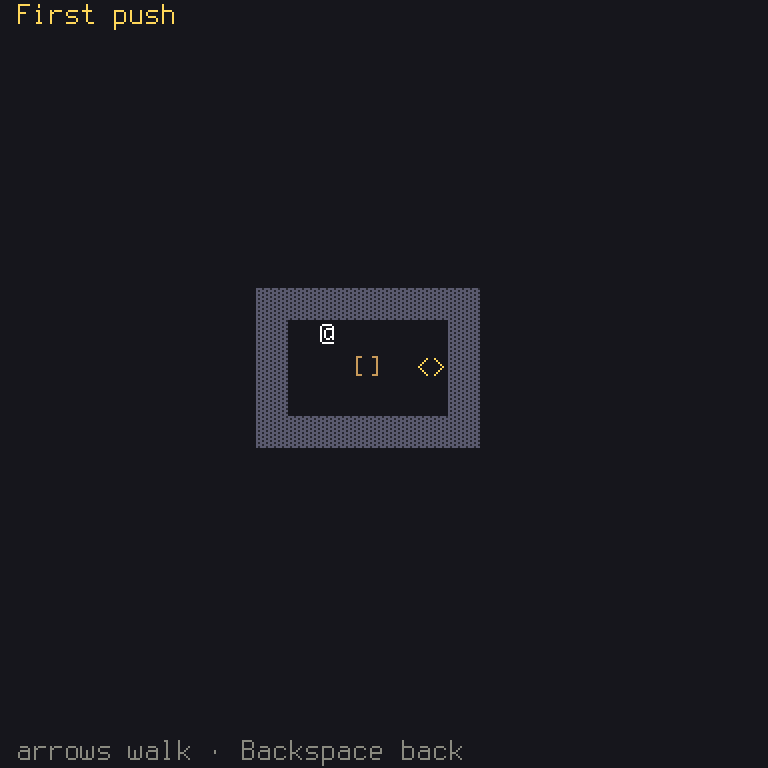
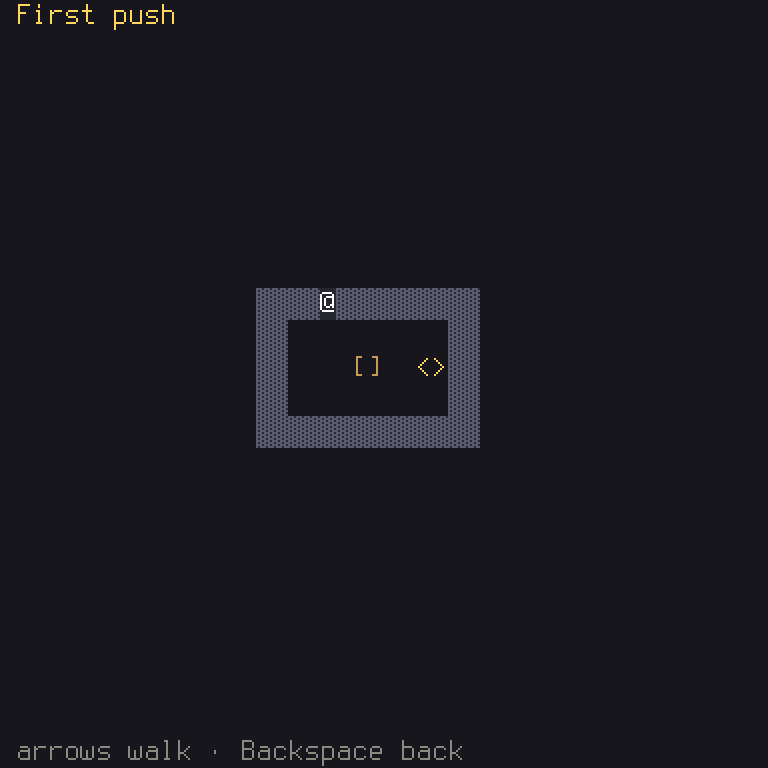
The player walks right into the wall. Nothing else had to change: no screen, no drawing. One line of the rules, and the whole game follows it. Now put it back.
From actions to commands
The board's job is to listen for actions, and send commands. In crates/game/src/board.rs, first
add a way to send one, in impl Board:
/// Sends `command` to the rules. A refused one changes nothing.
Why let _ =? apply returns a Result, and Rust warns if you ignore one, since it may hold a
problem. Walking into a wall isn't a problem here, as it just does nothing. let _ = says you've
thought about it.
Then tell the engine which actions the board listens to now, replacing the old actions:
/// The four steps, and Cancel to go back.
and turn each action into a command, replacing the old update:
Rust:
for &action in &input.actionsruns once for each action this frame. In amatch,_ => {}means "anything else: do nothing"._is a catch-all, and{}is an empty block. Without that arm the compiler would refuse, becauseUiActionhas aConfirmthismatchdoesn't mention.
The board doesn't read a key anywhere. It reacts to UiAction's moves, and the keys stay in
files/keymap.ron, where a player can change them. In that file, Up has two keys, Up and w,
so w already walks too. You got that for free.
Change the mapping, and the game does what you say, not what the key's name says:
In crates/game/src/board.rs:
- UiAction::Up => self.send(Command::Step(Dir::Up)),
+ UiAction::Up => self.send(Command::Step(Dir::Down)),
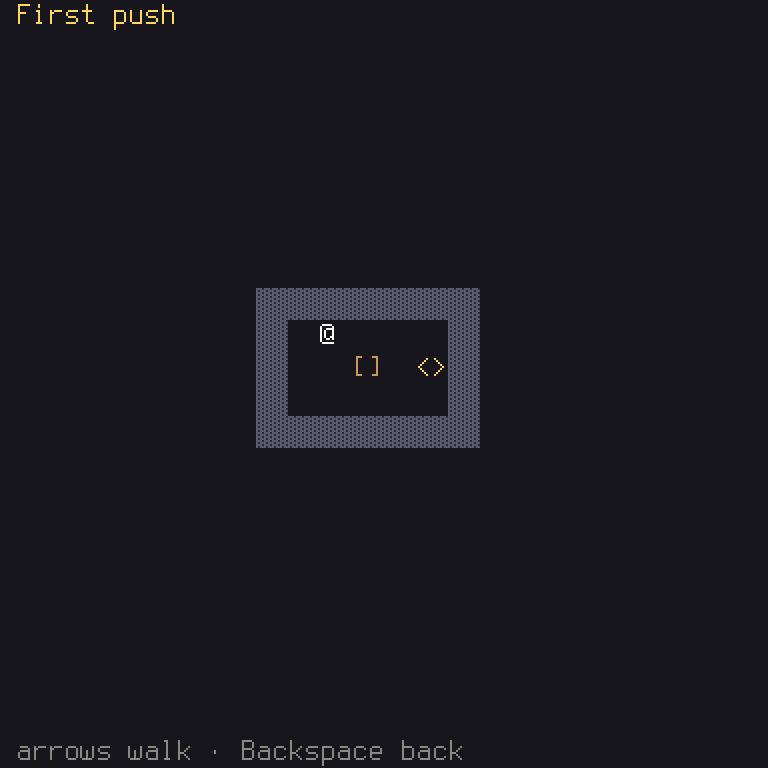
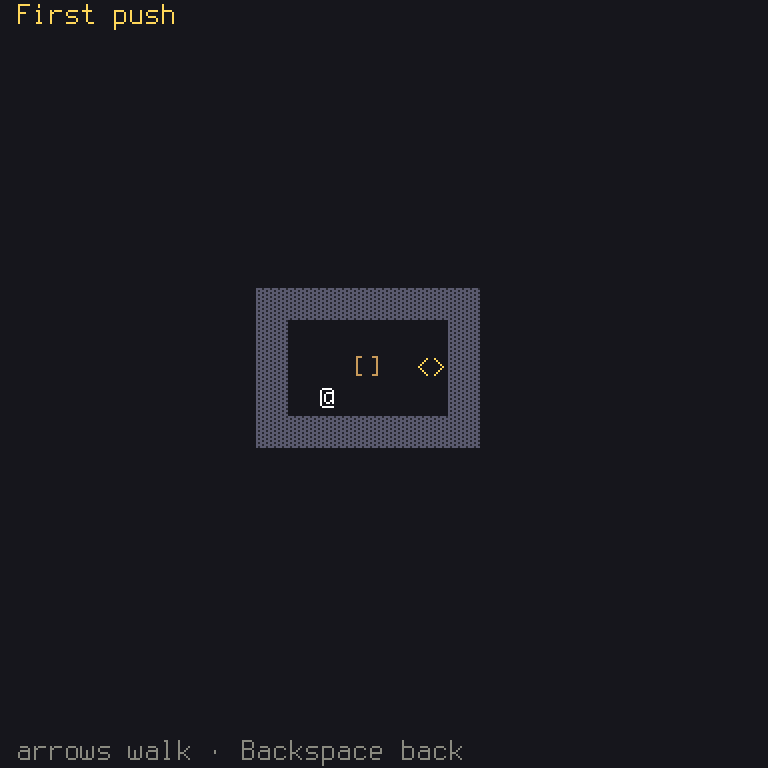
That's the one place that says what Up means. (Put it back.)
Now say so in the help line, in files/en.ron:
    // The board.
    "board.help": "{Cursor} walk · {Cancel} back",
{Cursor} is a special name for the four direction keys together, and shows as arrows.
Run it, and walk into every wall. You'll find you can't walk through the box, either. That's the
Refusal::Box you wrote. Step 4 fixes that.
A test
Add to crates/game/tests/board.rs:
The player starts at (2, 2). Up takes them to (2, 1). Pressing Up again runs into the wall, so
they don't move. This test presses real keys through the whole game, and reads the state. It needs
use shuyi::core::Pos; with the others at the top.
Since the rules are their own thing, they can be tested with no screen too. Have a look at how chapter 6 does that, if you're curious.
What you learned
- Rust: iterator chains,
*,_, and traits withtypeblanks in them. - Game idea: commands. The state changes one way only, and every rule is all or nothing.
- Shuyi:
TurnRules(check,apply,legal_commands,outcome), and the chain from key to action to command to state.
Chapter 3 explains actions in more detail, and chapter 6 the rules. Next, it becomes a game.