Undo
Play this step Its whole project
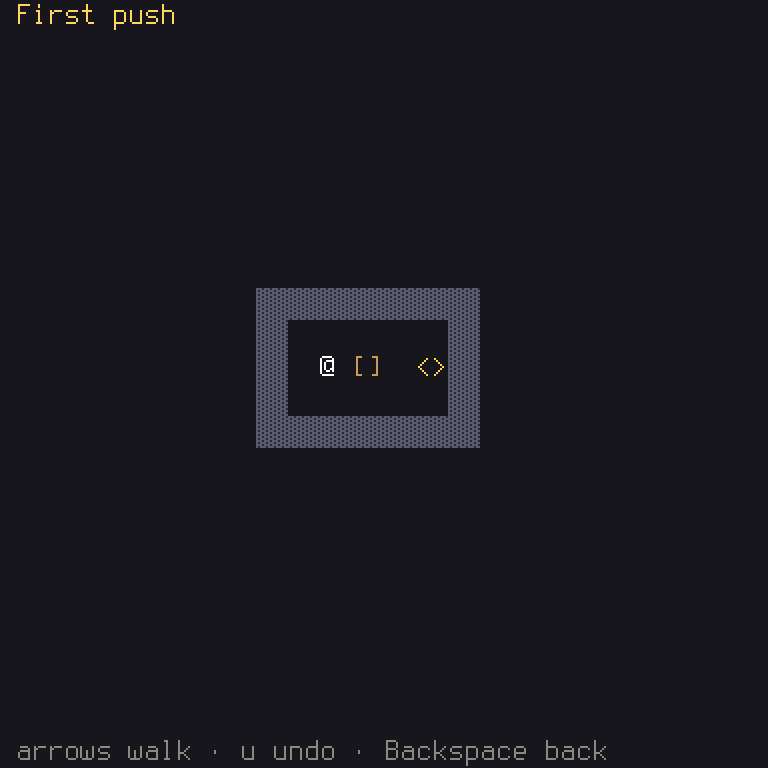
A puzzle needs undo: one wrong push, and the level can't be won. This step adds it, in two parts. The game needs a new action, since "undo" isn't one of the engine's six. And it needs to remember what happened, which is where commands pay off again.
| File | What changes |
|---|---|
crates/game/src/action.rs | New: the game's own actions |
crates/game/files/keymap.ron | A key and a button for Undo |
crates/game/src/board.rs | Keeps a history, and takes back moves |
lib.rs, title.rs, stages.rs, tests/it/main.rs | UiAction becomes Action |
shuyi.ron | Says action.rs is allowed to name a key |
crates/game/files/en.ron | The help line mentions undo |
crates/game/tests/board.rs | A test of undo |
The game's own actions
So far, your game has used UiAction, the engine's six ready-made moves. A game that wants more
writes its own list. Make crates/game/src/action.rs:
//! What a player can ask for: `UiAction`'s six moves and Undo, every one
//! rebindable, their default keys and buttons in `files/keymap.ron`.
use ;
use ;
/// Everything a player can ask for.
/// The keys every keymap has on top of its own: plain `Escape` cancels.
const FIXED_KEYS: = ;
This looks long, but it's nearly all a list of facts about seven things. The enum lists the
actions, keeping the same six names, so the keymap and the title still read the same. Then
ActionSet is the trait the engine uses to learn about them:
ALLis every action, in order, andnamegives each one's name in the keymap file.is_repeatablesays whether it repeats while held.!matches!(self, Self::Confirm | Self::Cancel)reads as "this is not Confirm or Cancel": you wouldn't want a held key to confirm ten times.is_requiredandis_rebindablesay the player can change each key, but can't leave one without a key at all.groupis for actions allowed to share a key. There are none, so it's().uisays what each means to the engine's own menus. That's how menus keep working with your own actions: yourConfirmis theirConfirm, andUndomeans nothing to them.fixed_keysgives keys no player can move: Escape always cancels.
Rust: in an
impl,Selfis the type it's for, soSelf::UpisAction::Up.&'static [Self]is a borrowed list ofActionthat lasts for the whole program.
Shuyi: the one file that may name a key by hand is this one, for that fixed Escape. In
shuyi.ron, tell the key check about it, with this line incheck_keys:key_files: ["crates/game/src/action.rs"],
Now, swap the type everywhere. Add pub mod action; to lib.rs, with
use crate::action::Action; below its other use lines. (crate means "this crate's own code".)
Then, replace UiAction with Action in lib.rs, title.rs, stages.rs, board.rs, and
tests/it/main.rs. Your editor's find-and-replace is the tool for this. Each of those files also
needs use crate::action::Action;, or in the test, use game::action::Action;. The compiler
will list each one it can't find.
This is that generic from step 1 paying off: BasicData<Action, stages::Own> is the same form,
filled in differently, and the whole engine now works with your actions.
Give Undo its default key in files/keymap.ron, inside the keys of the layout, and its button
in the same file's pad, as "Undo": ["West"],:
"Undo": ["u"],
In the board, every action now counts, so actions gets simpler:
/// Every action of the game.
And your help line, in en.ron:
    // The board.
    "board.help": "{Cursor} walk · {Undo} undo · {Cancel} back",
    "board.help.won": "Solved! {Undo} undo · {Cancel} back",
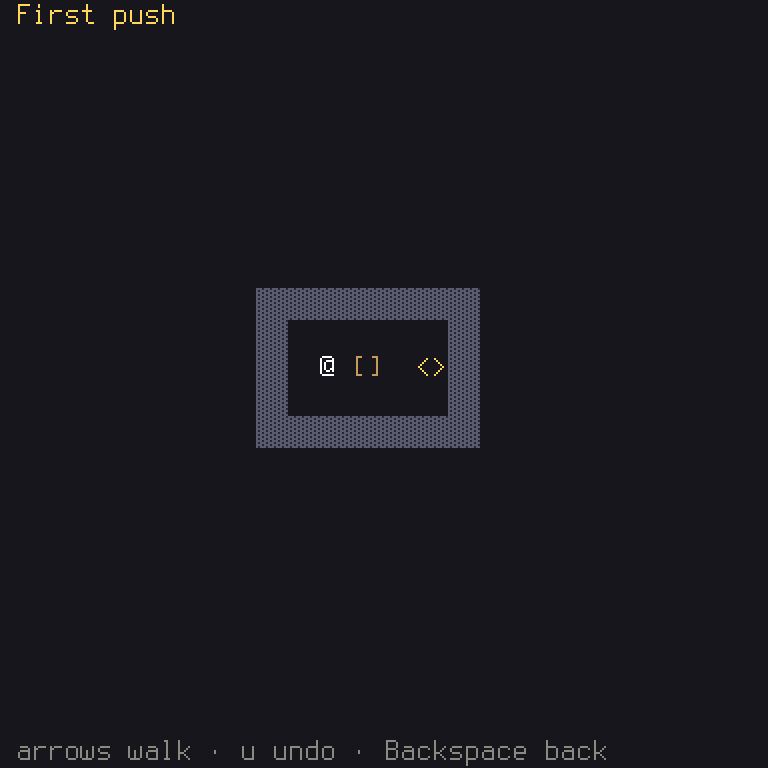
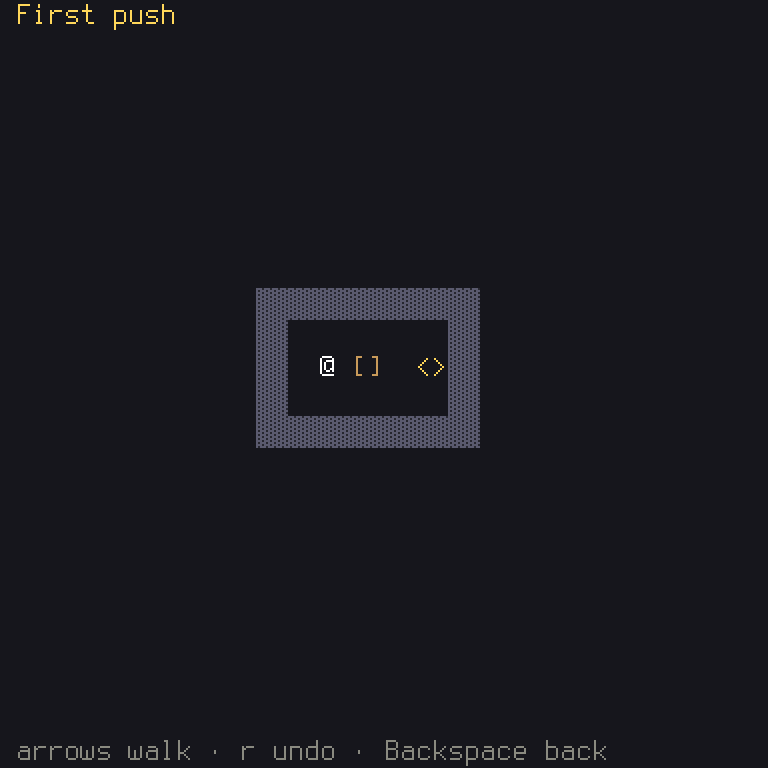
Here's what never naming a key buys you. Change the key in the keymap, and the words follow:
In crates/game/files/keymap.ron:
- "Undo": ["u"],
+ "Undo": ["r"],
History
How would you write undo? You could save a copy of the whole state on every move. In a small puzzle, that would work. There's a neater way.
Shuyi: a
Historyis the state a level started in, and every command since. That's all it holds, because that's all you need: since the rules always give the same result for the same commands, you can get any earlier moment by starting again from the beginning and replaying. This property has a name, determinism, and it's why rules may have no clock, no floats, and noHashSet. It's also how replays, bug reports and online play work.
The board keeps a history beside the puzzle:
/// The board screen.
In Board::new, start it from the first state, with history: History::new(puzzle.clone()), before
the puzzle, line. .clone() makes a copy: the history keeps its first state forever, while the
puzzle goes on to change. You need use shuyi::core::History; at the top.
Rust: ownership. Each value in Rust has one owner, and handing a value to a function hands over ownership: you can't use it again afterwards. So if
History::newwas givenpuzzleitself, the next line couldn't use it.clonemakes a second one. Here the compiler's error would tell you "value used after being moved", and that's what it means. You'll meet that error sooner or later, so now you know how to read it.
It records only the commands the rules accepted, so a walk into a wall is no move:
/// Sends `command` to the rules. A refused one changes nothing.
Undo rewinds it, replaying every command but the last. The rules are deterministic, so this always gives the same state:
/// Takes back the last move, if there is one.
Rust:
checked_sub(1)subtracts, and givesNoneif the answer would go below zero, as it would here with no moves made.if let ... && let ...needs both to succeed, so the body runs only if there's a move to take back, and the rewind worked. Pressing undo at the start just does nothing.
And the board's update calls it:
Notice that this match lists every action, with no _ arm. So if you add an eighth action later,
the compiler will send you here to decide what it does. A catch-all would have quietly ignored it.
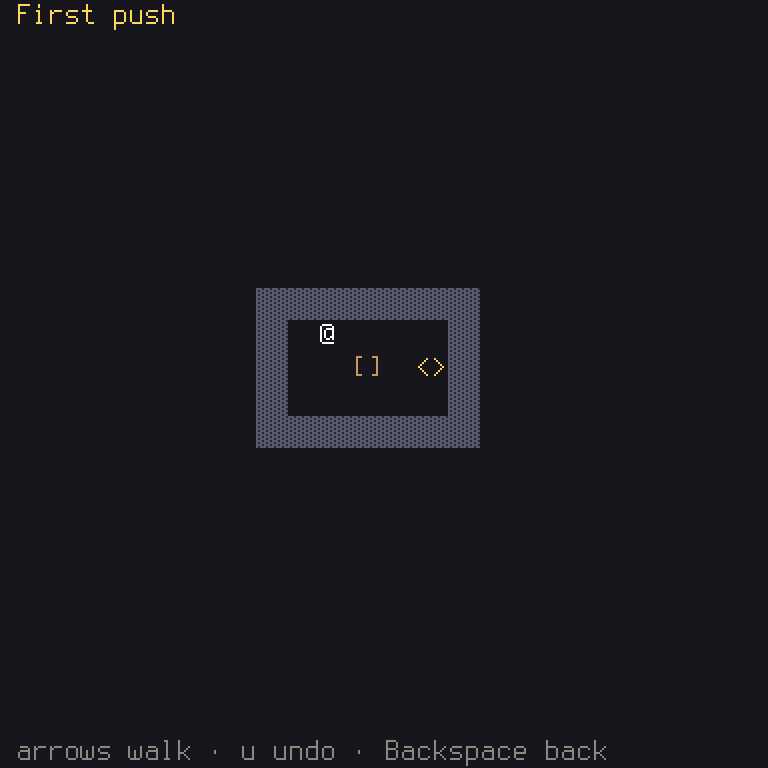
To see how the undo depends on that number, take back two moves at a time:
In crates/game/src/board.rs:
- self.history.len().checked_sub(1)
+ self.history.len().checked_sub(2)
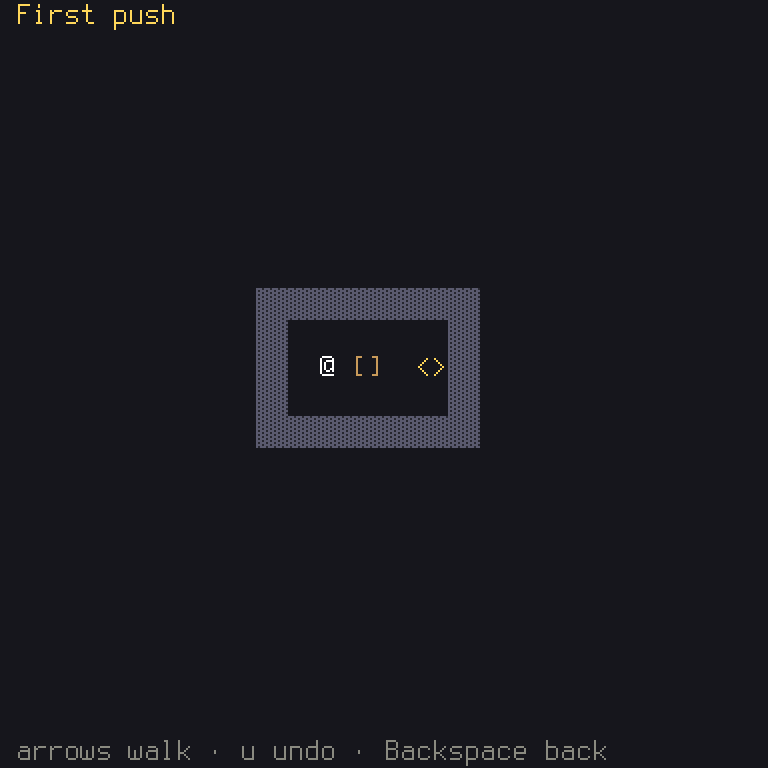
The test
This is a neat test: it keeps a copy of the first state, and after a push and an undo, the whole state
must equal it, with assert_eq!. That's only possible since Puzzle derives PartialEq. The second
h.keys("u") checks that undoing at the start is harmless.
What you learned
- Rust: ownership and
clone,crate::, andchecked_sub. - Game idea: determinism, and how replaying commands can rebuild any moment.
- Shuyi:
ActionSet, andHistory.
Chapter 3 has more on a game's own actions, and chapter 6 on history. Next: one level isn't a game.